No Wi-Fi? No problem.
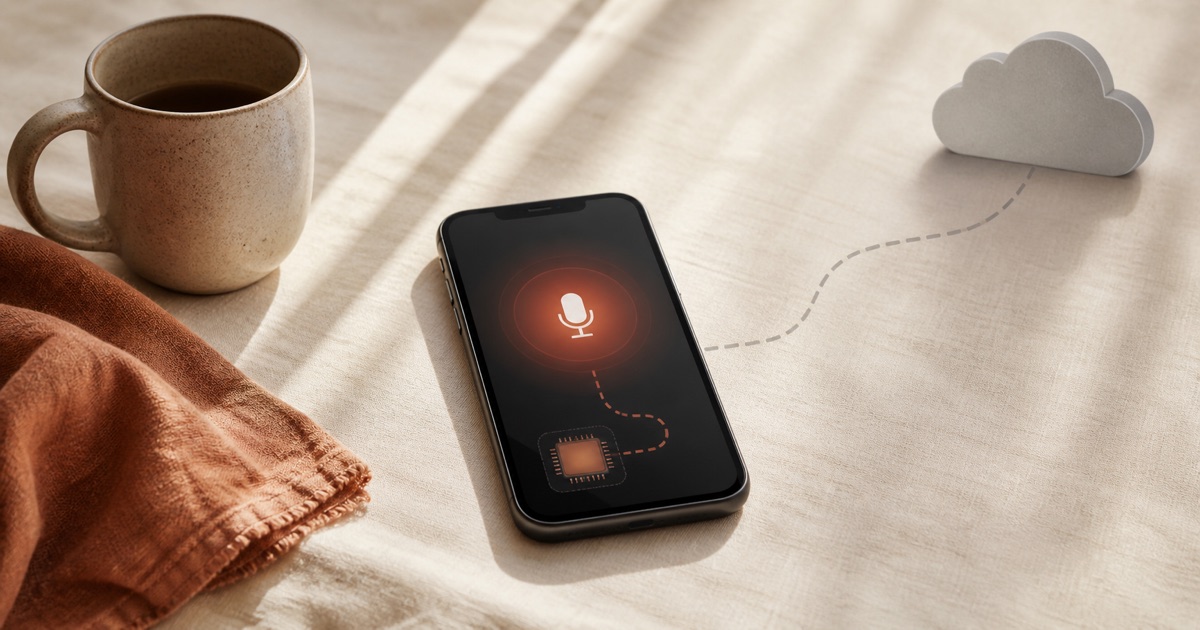
Yaps runs speech-to-text entirely on your Mac. No internet required. Dictate on a plane, at a remote cabin, or in a basement with zero signal. Your voice is processed locally, and your words never leave your device.
Dictation speed
Dictation language
Memory usage
Cold startup time
Cloud dictation fails you vs Offline dictation just works
Same sentence. Watch the difference.
Typing
~40 WPM
Dictation
~150 WPM
Built for anywhere
Everything runs on your Mac. That's the whole architecture.
True Offline Processing
The speech recognition model lives on your Mac. It never phones home, never pings a server, and never needs a handshake. Turn off your Wi-Fi and it works exactly the same.
Airplane Mode Ready
Flying coast to coast? Yaps doesn't care. Enable airplane mode and dictate your entire trip - emails, notes, documents, ideas. Everything is processed locally.
On-Device ML Models
Yaps uses locally-run machine learning models tuned for Apple Silicon. The models are compact (under 200 MB of memory) and fast - transcription starts in under a second.
Privacy by Architecture
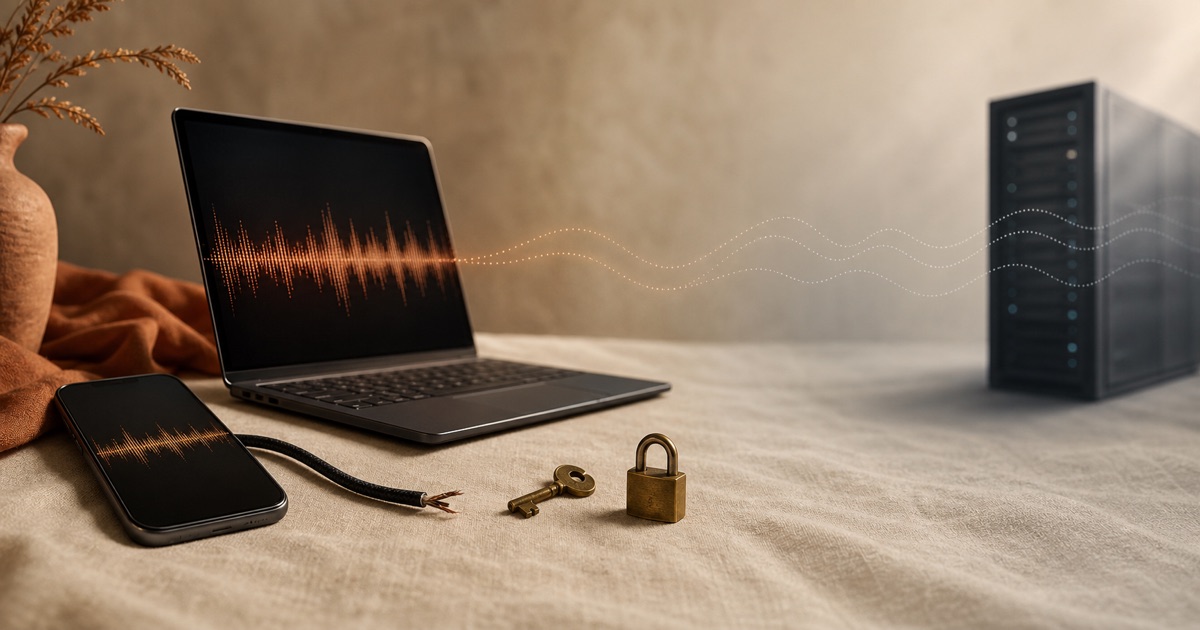
Offline isn't just a feature - it's how Yaps is designed. There's no cloud fallback, no optional upload, no telemetry. Your voice audio is processed and discarded on-device.
No Latency, No Lag
Because processing happens on your hardware, there's no network round-trip. Words appear as you speak them - instantly - regardless of your internet situation.
Compact and Efficient
The full Yaps application and its speech models use less than 200 MB of memory. No bloated cloud SDKs, no background sync processes eating your resources.
Perfect for people off the grid
If you've ever lost Wi-Fi at the wrong moment, Yaps is built for you.
Frequent Flyers
Long flights are productive when you can dictate emails, reports, and notes at 35,000 feet. No expensive in-flight Wi-Fi required.
“I drafted three client proposals on a six-hour flight using Yaps.”
Remote Workers
Working from a cabin, a beach, or a small town with patchy internet? Yaps doesn't need a single bar of signal to work.
Secure Environments
Government offices, financial institutions, and secure facilities often restrict internet access. Yaps works perfectly in air-gapped environments.
International Travelers
No local SIM? No hotel Wi-Fi password? No problem. Yaps works in any country without any data connection. English dictation runs entirely on-device.
Commuters
Underground trains, tunnels, parking garages - the places where you lose signal are often the places where you want to capture a quick thought.
Low-Bandwidth Users
Even if you have internet, slow connections make cloud dictation unreliable. Local processing means your speed depends only on your Mac, not your ISP.
Hear from people like you.
“I travel constantly for work and I'm often in places with no reliable internet. Yaps is the first dictation app that actually works the same everywhere - offline, online, it doesn't matter. I dictated an entire trip report on a train through rural Germany.”
Lena Richter
Management Consultant
More on offline dictation

Dictate anywhere. Literally.
No Wi-Fi, no cloud, no problem. Just you and your Mac.
Requires macOS 13.0+ (Apple Silicon recommended)