Förord
You would not email a signed contract to a stranger just because they asked nicely. Yet that is roughly what happens every time a payslip, a tenancy agreement, a medical letter or an unpublished manuscript gets dropped into an online PDF to Word converter. The form looks harmless, there is a progress bar, and a DOCX comes back a few seconds later. What happened in between is that your document sat on someone else's server.
Yaps runs the conversion the other way round. The PDF to Word tool reads the file in your browser, on your own machine, and writes the DOCX there too. The only network request the tool may make is for its own parser code, never for the contents of your document. No signup, no account, and the file you started with is never sent anywhere.
Before anything else, one plain limitation worth stating up front. Yaps has no OCR. If your PDF is a scan or a photo of a page, it is an image, not text, and there is nothing for a browser-based converter to extract. That is true of Yaps and would be true of any tool built the same way. If your document is a scan, you need an OCR tool first, and this guide is not the right fit for you today.
Konvertera en PDF till Word utan att ladda upp den
The conversion itself is short. Getting it right depends more on the source PDF than on any setting you pick, which is why the preview step matters more than it looks.
Open the converter10 sec
Visit the PDF to Word tool. There is no install and no account, so this step is just loading a page.
Drop in your PDF5 sec
Drag the file in or click Choose a file. Extraction happens locally, so a large or sensitive document is not leaving your device.
Check the page preview1 min
Read a few pages, especially if the source has columns, footnotes or a table. This is where you catch a reading-order surprise before it reaches the download.
Download and open the DOCX5 sec
Choose Word document (.docx) and press Download. Open the file in Word, Pages or another editor that supports modern Office documents, and make the changes you actually needed.
Välja rätt utdataformat
PDF to Word is the most searched version of this task, but it is not always the right answer. Yaps ships five output formats from the same conversion, and picking the right one saves you a cleanup step later.
DOCX is for editing. Choose it when a report, letter or contract needs a correction, a comment or a rewrite, and you plan to open it in Word or Pages. Plain text is for when you only want the words: a transcript, a quote, a script, or a file you plan to search or feed into another tool. Markdown is for structure without an office format attached, useful when the content is headed into notes, a knowledge base or a static site. RTF sits between plain text and DOCX, and is worth choosing when the file needs to open reliably in an older or lighter word processor rather than a full modern Word install.
| Format | Best for | Tool |
|---|---|---|
| Word (.docx) | Editing, comments, tracked changes | PDF to Word |
| Plain text (.txt) | Just the words, search, archiving | PDF to text |
| Markdown (.md) | Notes, vaults, static sites | PDF to Markdown |
| Rich text (.rtf) | Older or lightweight editors | PDF to RTF |
If a colleague or an older set of instructions specifically asks for a DOC file, the PDF to DOC tool is worth a look too. It targets that search phrase directly but, like every current Word workflow, produces a modern .docx rather than the obsolete binary .doc format, because that is what today's editors actually expect.
Vad konverteringen faktiskt får rätt
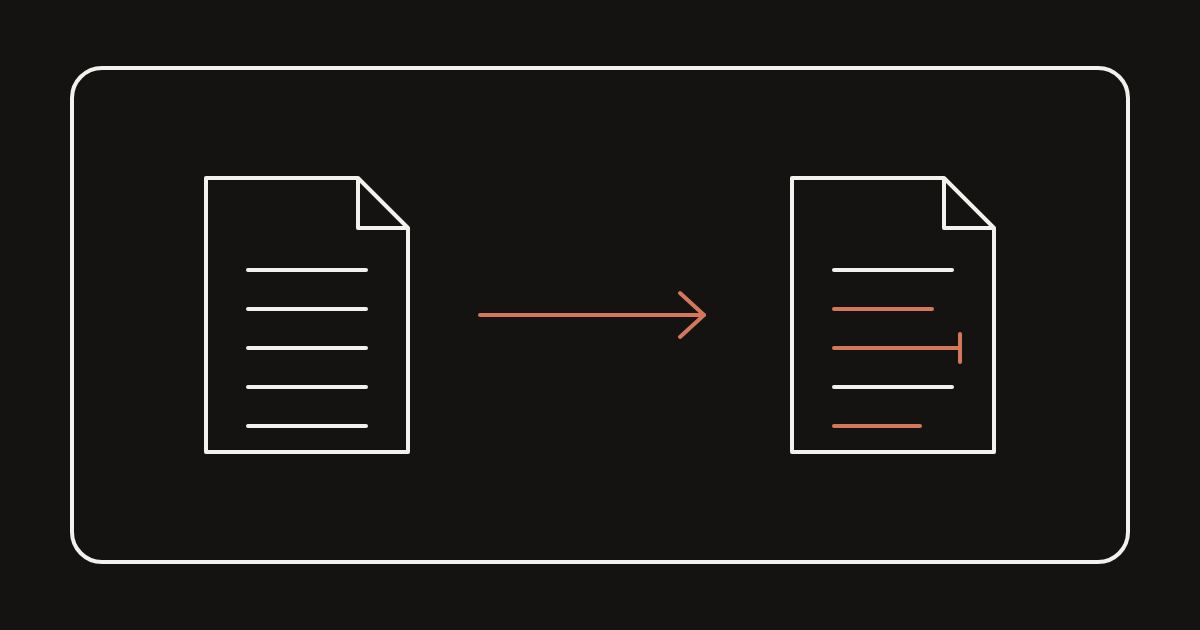
Be clear with yourself about what this kind of tool is doing. It reads the selectable text in your PDF and rebuilds it as an editable document with a title, headings and paragraphs. It is not a layout cloning tool, and it does not promise to reproduce every pixel of the original page. That is a fair trade for most documents, but it is not free of trade-offs, and it is worth knowing which side of the line yours falls on before you rely on the result.
Converts cleanly
04-
Single-column reports the text runs top to bottom in one clear order.
-
Letters and essays plain paragraphs with a heading or two.
-
Ordinary contracts numbered clauses in a single running column.
-
Manuscripts and drafts continuous prose with little visual design.
Needs a manual pass
04-
Multi-column academic papers two columns can interleave into one confused block.
-
Dense tables a PDF often stores a table as scattered text fragments, not a grid.
-
Forms fields, checkboxes and boxes do not become editable form controls.
-
Heavily designed brochures floating captions and sidebars can land in the wrong reading order.
När resultatet ser fel ut
If a converted page reads oddly, the cause is almost always how the original PDF stored its text, not a setting you missed. A few practical fixes cover most cases.
If two columns have interleaved into one scrambled paragraph, the PDF likely stores text in drawing order rather than reading order. Copy the two columns separately from the preview or the original PDF and paste them back into the correct order in your Word document. It is slower than a clean export, but it takes minutes on a short document.
If a table arrived as loose lines of text instead of a grid, do not expect the export to fix that automatically. Rebuild the table in Word using the extracted values as your source text, or keep the original PDF open beside the DOCX and retype the table by hand. For a document that is mostly one large table, converting to Word may not be the fastest route at all, and working from the PDF directly can be quicker.
If spacing looks uneven, extra blank lines and inconsistent paragraph breaks are common when a PDF used unusual line spacing or drop caps. A quick find-and-replace for repeated blank lines in Word, followed by reapplying a paragraph style, generally clears it up faster than fixing each line by hand.
If images are missing, that is expected rather than a bug. This is a text conversion, and it does not extract embedded pictures or recreate a visual layout. Keep the original PDF on hand for artwork, screenshots or diagrams, and add them back into the Word document yourself if you need them there.
Varför uppladdningen är viktigare än det verkar
The habit of uploading a document to convert it is so common that it barely registers as a decision. A form appears, you drop the file in, and a result comes back. But a payslip, a signed lease, a client draft or a set of medical notes handed to an unfamiliar site is a real disclosure, whatever the interface makes it feel like.
You would not email a contract to a stranger just because they offered to format it nicely. An upload form asking for the same file should not feel any different.
Yaps
Running the conversion in your own browser removes that step rather than promising to handle it responsibly. There is no server holding your document while it is processed, no retention policy to read, and no account created just to get a DOCX back. The trade is that Yaps needs a real, text-based PDF to work with, and it will not quietly turn a scan into text or a table into a perfect grid. Knowing that up front is worth more than a converter that claims to do everything.
Vanliga frågor
Is my PDF uploaded when I use this converter?
No. The PDF is parsed in your browser and the Word document is generated locally on your machine. The only network requests the tool may make are for its own parser or voice assets, never for the contents of your document.
Can it convert a scanned PDF to Word?
Not on its own. A scanned page is an image, not selectable text, and Yaps has no OCR to turn that image into words. If your document is a scan or a photo of a page, use a dedicated OCR tool first, then bring the resulting text-based file here if you still want it as DOCX.
Is there a file size limit?
There is no upload to hit a server-side limit against, since the file never leaves your device. In practice, very large PDFs simply take longer for your browser to process, and performance depends on your own machine rather than a service quota.
Can it convert a password-protected PDF?
No. Yaps does not unlock or remove protection from a PDF. If the file is encrypted, remove the password using the software that set it, or with the owner's permission, before converting.
Will the Word document look exactly like the PDF?
No, and no text-based converter can honestly promise that. Yaps rebuilds a title, headings and readable paragraphs from the extracted text. Single-column documents such as letters and reports convert cleanly; columns, tables, forms and heavily designed pages usually need some manual tidying afterward.
Will tables convert into proper Word tables?
Not reliably. PDFs frequently store a table as individual positioned text fragments rather than a grid, so the export can arrive as loose lines rather than table cells. For a document that is mostly one large table, expect to rebuild it in Word using the extracted text as a starting point.
Does the Word document keep the original images?
No. This is a text conversion focused on selectable words and headings, not a visual cloning tool. Keep the source PDF for artwork, screenshots or diagrams, and add anything you need back into the DOCX yourself.
Is it actually free?
Yes. The converter and every other Yaps browser tool are free to use, with no account and no paywall on the conversion itself.
Do I need to install anything or create an account?
No. It runs in the browser you already have open. There is nothing to install and nothing to sign up for.
Does it work offline, without an internet connection?
Once the tool's page and parser have loaded, the conversion itself runs locally and does not depend on an active connection to process your document. Loading the page the first time still needs a connection, the same as visiting any website.
Should I choose Word, TXT, Markdown or RTF?
Choose Word (.docx) when you plan to edit, comment on or track changes to the document. Choose plain text when you only need the words, for search, archiving or another tool. Choose Markdown when the content is headed into notes, a vault or a static site. Choose RTF when the file needs to open reliably in an older or lighter word processor.
What is the difference between PDF to DOC and PDF to Word here?
Both routes produce the same modern .docx file. The DOC version of the page exists because people still search for "PDF to DOC" when what they actually want is an editable file for current Word, which today means DOCX rather than the old binary .doc format.
Can I open the converted file in something other than Microsoft Word?
Yes. The output is a standard .docx file, which opens in Word, Pages, LibreOffice and most current document editors, not only Microsoft's own software.