ディクテーションどのアプリにもアクセスできます。キーを押したまま、話し、放します。メモ、電子メール、コードなど、カーソルがどこにあっても、きれいな自己修正テキストが表示されます。
ローカルAIメモMac · Windows · Linux · Android
あなたの private AI によるメモとディクテーション。
強力な AI ツールのコレクションを 1 つのアプリにまとめました。ディクテーション、メモ、読み上げはすべて、お使いのマシン上でオフラインで実行されます。
011 つのアプリですべての単語を所有
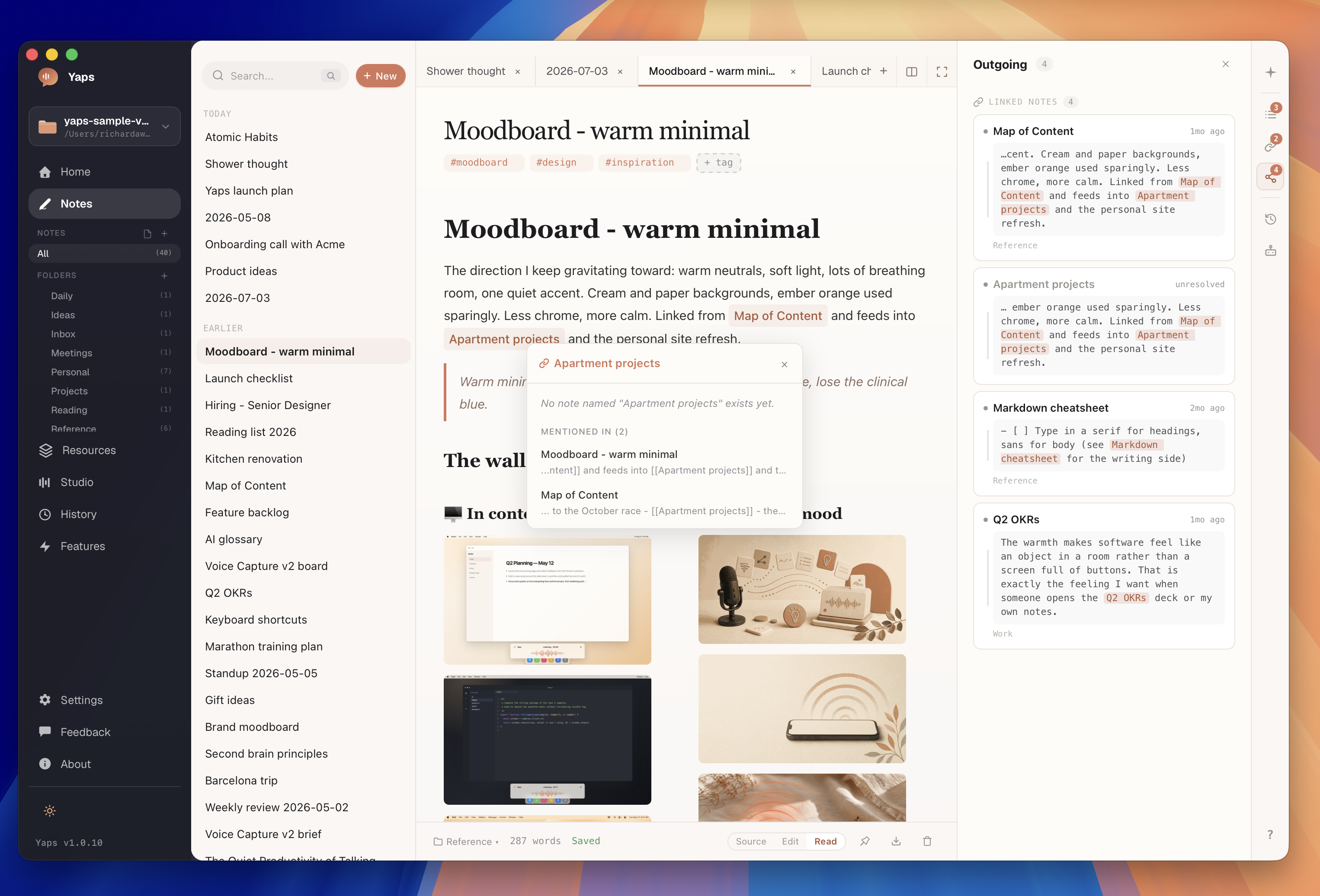
つながったノートまさに第二の脳。バックリンクと [[wiki-link]] はすべてのメモを織り交ぜます。あなたの思考、つながっています。
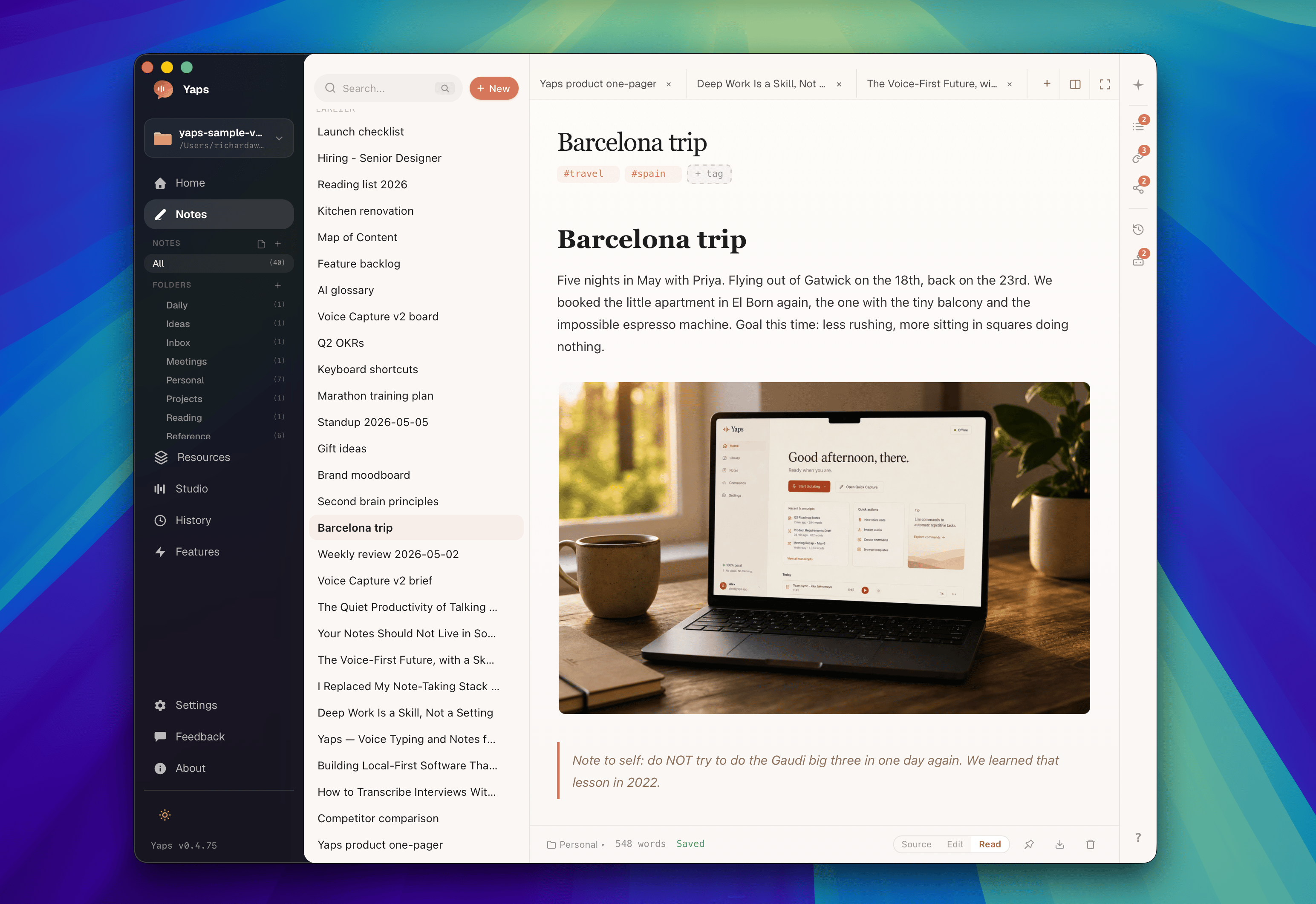
あなたの保管庫プレーン Markdown、あなたのものです。
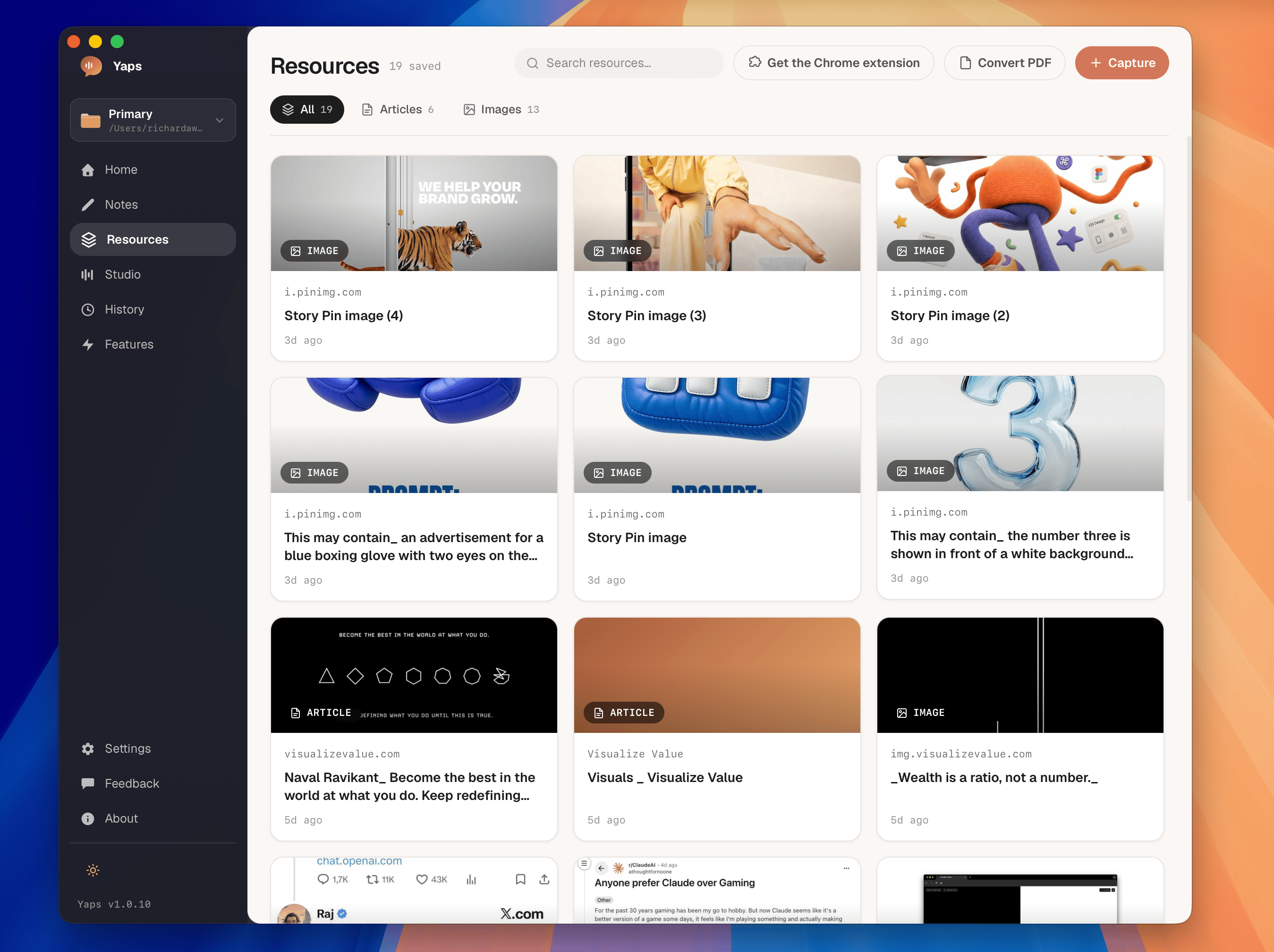
Yaps に保存します任意のページを保存します。
AndroidキーボードAndroidでも。Yaps キーボードを使用して、完全にデバイス上で任意のアプリに音声入力します。
~300ms テキストに
オンデバイスクラウド往復なし
オフラインでも動作します機内モードの準備完了
プライベート何もアップロードされていません
メモを聞いてください。 ギャーと鳴き返します。
質問すると、自分のメモから抽出された答えが得られ、正確なメモが引用されます。推測するチャットボットではなく、あなたの保管庫です。
あなたバルセロナ旅行の日程は何を決めましたか?
You settled on the second week of October to dodge the summer crowds, and flagged booking the Sagrada Família tickets a month ahead.バルセロナ旅行・記
答えはメモからのみ得られ、オープンなインターネットからは得られません
Androidでは無料7 日間のデスクトップ試用版
スタート yapping.
Yaps をダウンロードして、あなたの発言すべてを数秒で自分のマシン上のメモに変換します。